
Vizeiux
A free audio-reactive visualizer for Windows that reads the music first — beats, bars, sections and drops — then cuts, blends and builds to them, and hands clean frames to OBS, Resolume or a projector.
Vizeiux is an audio-reactive visualizer that knows where it is in a song. An offline analysis pass on the operator's own machine works out tempo, key, sections and drops, so cuts land on downbeats and builds ramp into the drop instead of twitching at every kick; with no analysis to hand it falls back to live DSP. The picture is two Milkdrop decks with more than eleven hundred community presets, plus art, still, clip and capture decks, mixed through a five-deck WebGL mixer with a feedback buffer, and driven by a motion graph, cues and lanes keyed to the track's structure. It is built for a booth or a stream rather than a screensaver: MIDI learn, a console for a second monitor, a Spout sender that shows up in Resolume by name, a clean output window for OBS or a projector, and OSC out to drive Resolume layers. There are no accounts, no product keys and no telemetry, and imported tracks are analysed locally and never uploaded. It ships as a one-click unsigned Windows installer built in CI and updates itself from the project site, which also hosts a browser demo, an optional catalog pack and the changelog. The same engine comes as a lite tier — one Milkdrop deck on any audio source — for embedding in web pages. Version 0.1.1, November 2026.
- JavaScript
- WebGL
- Web Audio API
- butterchurn
- Electron 43
- electron-updater
- Go
- Python
- librosa
- NumPy
- SciPy
- pyloudnorm
- PyInstaller
- C++
- Spout2
- CMake
- vcpkg
- FFmpeg
- electron-builder
- NSIS
- GitHub Actions
- Playwright
- just
- Cloudflare R2

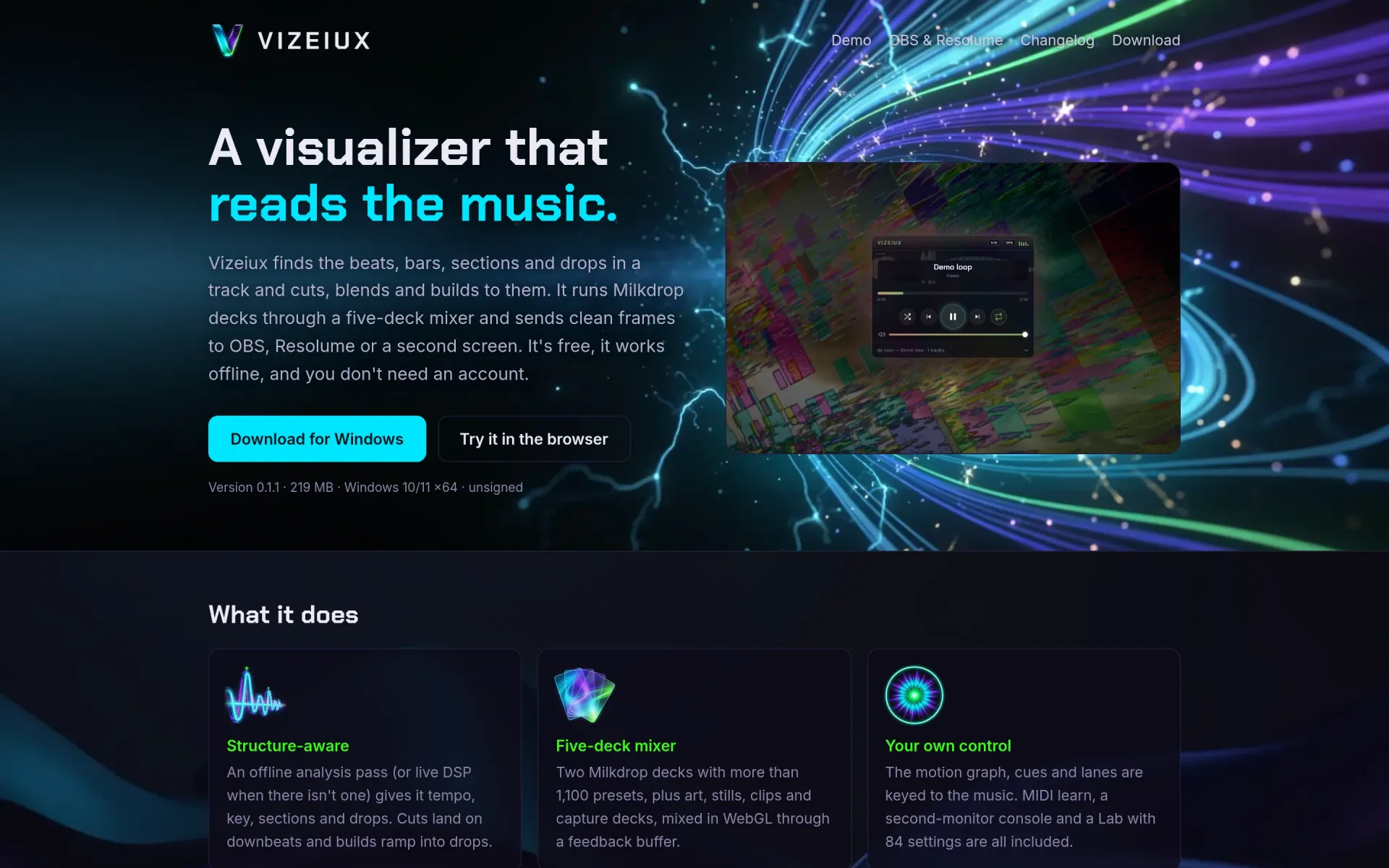




Vizeiux is an audio-reactive visualizer for Windows that treats a track as a piece of music rather than a level meter. Most visualizers react to whatever just happened in the spectrum; Vizeiux reads the whole track first, knows where the bars, sections and drops are, and plans its cuts, blends and builds around them. It is free, works offline and asks for no account.
Reading the track
An analysis pass runs on the operator's own machine — a frozen Python sidecar built on librosa, shipped inside the installer — and produces tempo, key, beats, bars, sections, drops and envelopes for each track added with Add tracks. Nothing is uploaded. Cuts are placed on downbeats and builds ramp into the drop, and a track with no analysis yet still plays, with beats from the live analyser instead. An optional catalog pack of precomputed analysis is a separate download; delete its folder and the app goes back to its demo loop.
Five decks, one picture
The picture is mixed in WebGL from five decks: two Milkdrop decks rendered by butterchurn across more than eleven hundred community presets, plus art, stills, video clips and screen capture, run through a shared feedback buffer with spectrum, depth and signature layers on top. A motion graph, timeline cues and control lanes are keyed to the music's structure, so "at the second drop, do this" is something a song can say. A Lab with 84 settings exposes the rest. Image generation is optional and runs on the user's own API key.
Built to go out of the box
The point of a visualizer at a gig is the signal leaving the laptop. On Windows a native Spout sender, written in C++, appears in Resolume as Vizeiux under Sources → Spout, and can be renamed in settings. A clean output window works as a Window Capture in OBS or full screen on a projector while the console stays on the laptop screen. OSC out drives Resolume layers, and MIDI learn binds any pad or knob to a control by moving it.
Desktop app, engine, and lite tier
The engine is plain ES modules with no build step, split into core (audio engine, structure, timeline), render, control and surface packages, and published as a pinned, checksummed build that hosts consume. The desktop app wraps it in Electron with a small loopback-only Go server for the library, playlist and analysis files. The engine began as the visualizer behind the player on the DEDC music site exhibited here, which now vendors it like any other host. A lite tier — one Milkdrop deck attached to any Web Audio node — is for radio and kiosk pages that want the look without the console.
Release path, and what the site says out loud
The Windows installer is built in CI: the analysis sidecar is
frozen, the Spout addon compiled, a pinned LGPL build of FFmpeg
fetched, and the result is probed — the Spout sender is asked to
send frames — then installed silently and smoke-tested before it
is published. Every build and the site output pass a scan for
secrets and stray brand strings that fails the release on a hit.
The installer is deliberately unsigned, and the site says so next
to the download button and explains the SmartScreen step. The
app updates itself from a feed on the same site; the browser demo
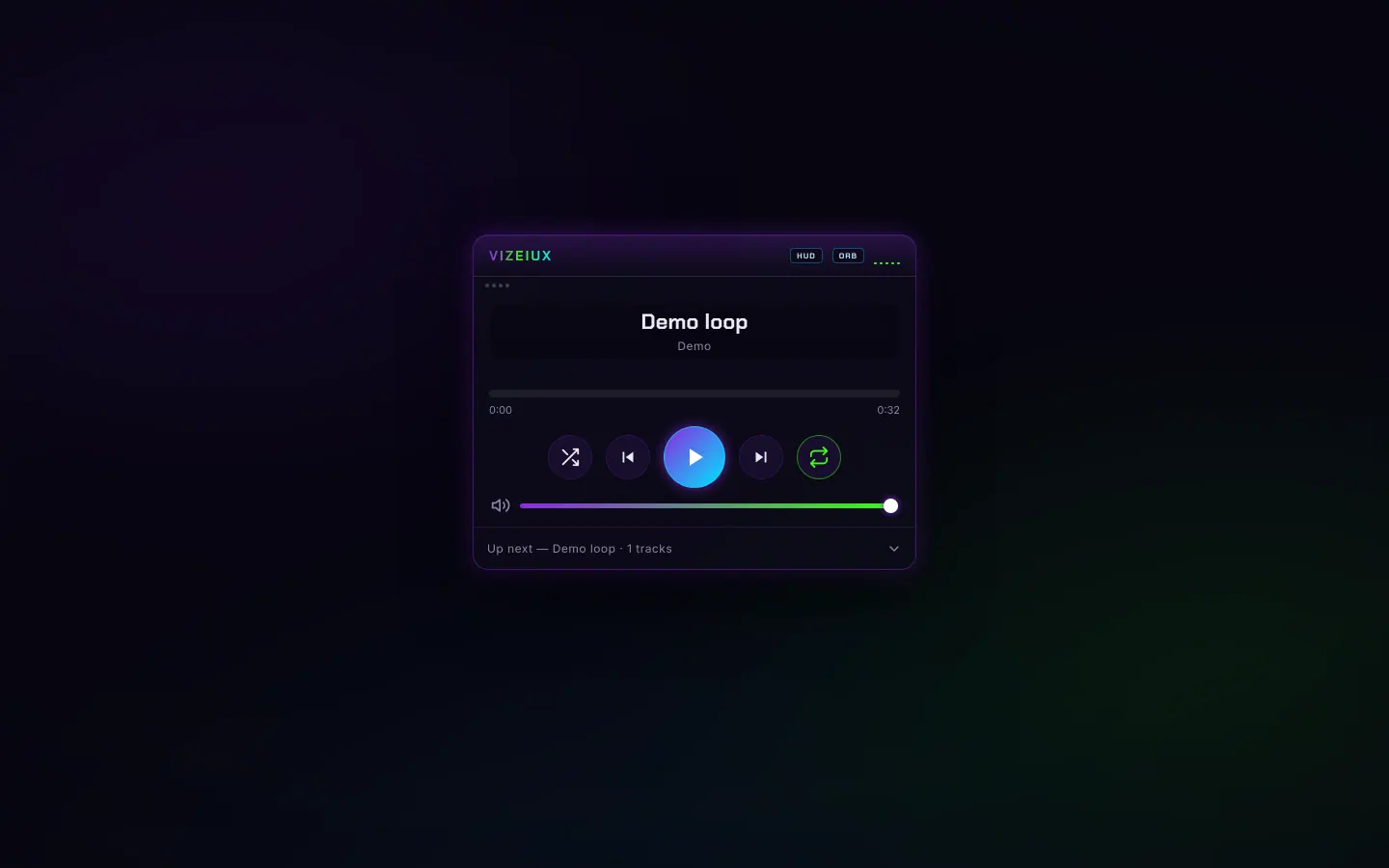
at /demo/ runs the engine's standalone player on a
synthesized loop. Third-party notices live in the About window
(F1). The code is private for now, with an MIT release planned.
Gallery
The full set.



Build something like this
Want a tool like this for your shop?
We've shipped this kind of thing before. Twenty-minute intro call, no slides.