

Polymorf
Step Up. Lock In. Transform. — dual-camera AI photo booth for live events.
Polymorf is an interactive AI photo-booth installation. Two cameras detect two people, lock them in, and feed the captured frames through a provider-agnostic AI image-generation pipeline that produces a single transformed artwork the players walk away with. Built for trade-show booths, sponsor activations, and live events — the booth runs locally, the model can be swapped per client, and the operator gets an admin to manage the queue.
- JavaScript
- Node.js
- WebRTC / getUserMedia
- Pose / person detection
- AI image generation (provider-agnostic)
- Apache (reverse proxy)
- systemd
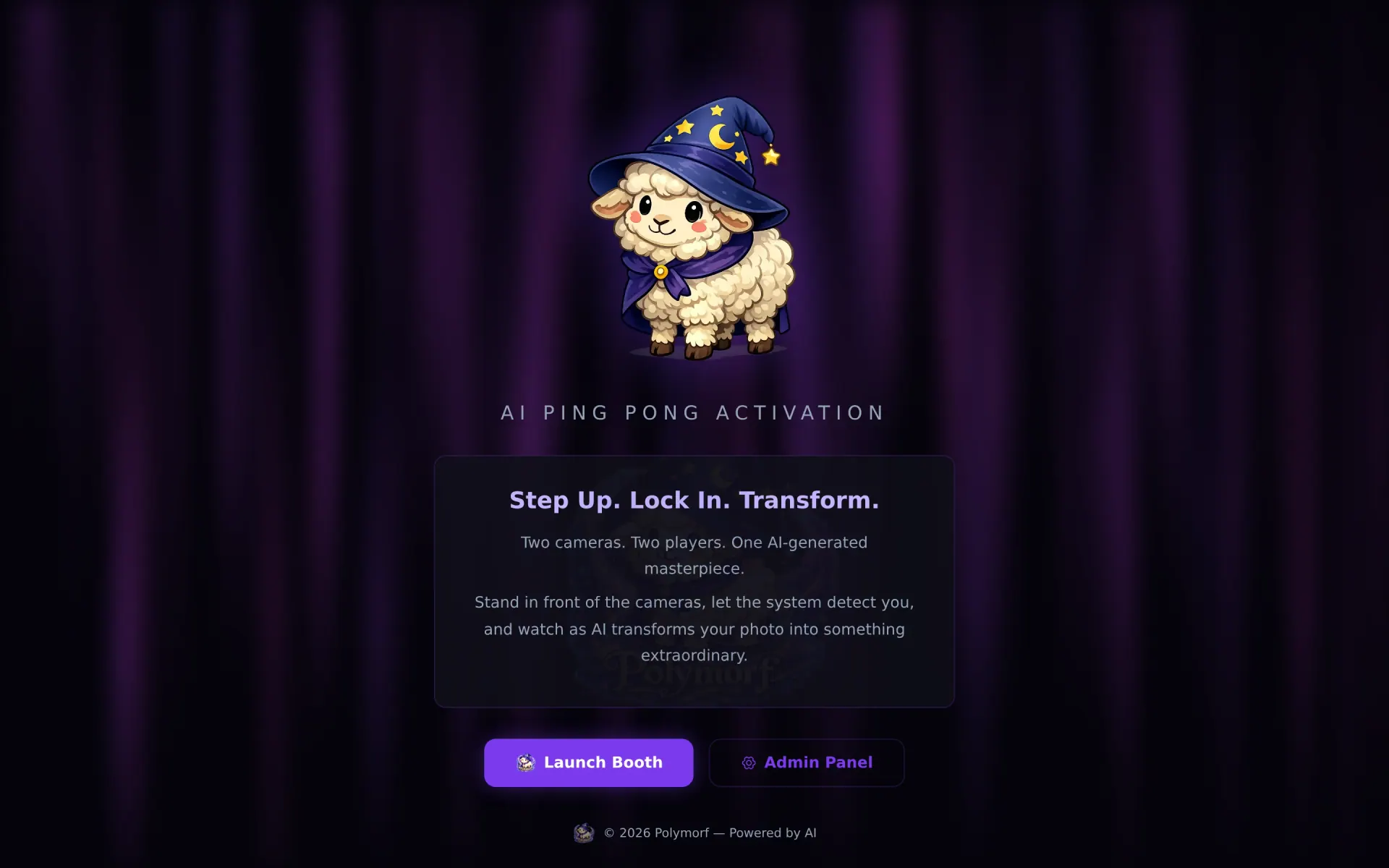

Polymorf is a dual-camera AI photo booth built for live events — trade-show booths, sponsor activations, convention floors. Two players step up; two cameras lock in; the system detects them, captures them, and feeds the result through an AI image-generation pipeline that produces a single transformed image the players walk away with. The booth runs locally. The output is theirs.
What's on the floor
- Two cameras, two players, one masterpiece. The dual-camera framing forces a specific interaction — you and a partner, side by side, staring down two lenses and committing to the bit. The output combines both captures into a single AI-generated frame.
- Pose / person detection in the booth handles "is there actually somebody in front of the camera?" — no shutter fires until both lenses see a person. Eliminates the empty frames that plague time-based photo booths.
- Provider-agnostic generation — the model behind the transform is configurable. Different events get different prompt styles; different sponsors get different model providers.
- Operator admin at
/admin/— queue monitoring, prompt overrides, output history, per-event branding. The kiosk runs unattended; the admin is for the staffer behind the curtain.
The "lock in" beat
The interaction loop is built around the "lock in" beat — the moment between "two people are in frame" and "the shutter fires." Pacing matters. Too fast and people don't commit to the pose; too slow and the line behind them gets restless. Polymorf tunes the lock-in timer per event so the rhythm of the booth matches the energy of the room.
Why "Polymorf"
The name is the promise: every output is a different shape of the same two people. AI image generation is at its most interesting when the same input produces wildly different outputs across runs — Polymorf turns that into the feature. Step up, lock in, see what comes out.
Straight from the source
The project's own README.
Rendered in place — every link, image, and code block carried over from the repo. The page below is what a contributor would see opening the project for the first time.
Polymorf
Dual-camera, provider-agnostic AI photo booth.
Two players stand in front of cameras. The system detects their faces via computer vision, captures a composite photo, sends it through a configurable AI image-to-image provider, and displays the result with a QR code for download.
Built for live events, festivals, and activations.
Quick Start
# Install API dependencies
just install

# Copy and configure environment
cp api/.env.example api/.env   # add your API keys

# Start the dev server
just dev
The API runs on port 8431. Serve public/ via Apache/Nginx (or the built-in static middleware handles it in dev).
| URL | Description |
|---|---|
/ |
Landing page |
/booth/ |
Main booth experience (fullscreen cameras + CV) |
/admin/ |
Admin panel (config, gallery, stats) |
Architecture
polymorf/
├── api/                        # Node.js + Express backend
│   ├── server.js               # Entry point (port 8431)
│   ├── middleware/auth.js       # Session auth middleware
│   ├── routes/
│   │   ├── admin.js            # Login / logout / session
│   │   ├── config.js           # Booth config CRUD (allowlisted keys)
│   │   ├── activations.js      # Image storage, gallery, stats, cleanup
│   │   ├── ai-router.js        # Dispatches to active AI provider
│   │   ├── booth.js            # Remote trigger/reset + pending action polling
│   │   └── providers.js        # Test keys, browse models, check balance
│   └── utils/
│       ├── init-db.js          # SQLite schema, versioned migrations, defaults
│       └── ai-providers/       # Pluggable AI backends
│           ├── openai.js       # GPT Image 1 / 1.5
│           ├── fal.js          # Flux 2 Schnell / Pro (Fal.ai)
│           ├── openrouter.js   # Multi-model router
│           ├── imagerouter.js  # Multi-model image router
│           └── adobe-firefly.js
├── public/                     # Web root
│   ├── booth/js/               # Booth experience (ES Modules)
│   │   ├── app.js              # Main loop, state wiring, config polling
│   │   ├── camera-manager.js   # Dual-camera capture + compositing
│   │   ├── face-detector.js    # MediaPipe Tasks Vision (GPU)
│   │   ├── state-manager.js    # IDLE → ACTIVE → PROCESSING → REVEAL
│   │   ├── display-renderer.js # Canvas rendering + face overlays
│   │   └── ai-client.js        # Talks to /api/ai/generate
│   ├── admin/                  # Admin panel (vanilla JS + CSS)
│   └── activations/            # Generated images (YYYY-MM-DD/)
├── kiosk_src/                  # Electron wrapper for deployment
│   └── src/main/main.js        # Fullscreen kiosk, F13/F14 hotkeys
├── database/                   # SQLite DB (auto-created)
├── docs/                       # Feature docs + quick start
├── justfile                    # Task runner commands
├── CHANGELOG.md
└── CLAUDE.md                   # AI assistant context
Tech Stack
| Layer | Technology |
|---|---|
| Backend | Node.js, Express, SQLite (better-sqlite3) |
| Frontend | Vanilla JS (ES Modules), no build step |
| Computer Vision | MediaPipe Tasks Vision, GPU delegate |
| Desktop | Electron (kiosk mode for Windows/Linux) |
| Task Runner | just |
State Machine
IDLE  ──(2 faces detected, debounce)──▸  ACTIVE  ──(countdown + capture)──▸  PROCESSING
  ▴                                                                              │
  └──────────────────(cooldown)──────────  REVEAL  ◂──(AI result + QR)───────────┘
- IDLE — Attract mode. Face detection runs continuously. Auto-triggers when 2+ qualifying faces hold steady.
- ACTIVE — 3-2-1 countdown, then captures composite JPEG from both cameras.
- PROCESSING — Uploads capture to server, calls the active AI provider.
- REVEAL — Displays AI result + QR code. Cooldown timer returns to IDLE.
AI Providers
All providers implement the same interface. Switch between them from the admin panel with one click.
| Provider | Speed | Notes |
|---|---|---|
| Fal.ai (Flux 2 Schnell) | Sub-3s | Recommended for live events |
| OpenAI (GPT Image 1.5) | ~8-15s | Highest quality |
| Adobe Firefly | ~5-10s | Enterprise, requires client ID + secret |
| OpenRouter | Varies | Routes to model of choice |
| ImageRouter | Varies | Multi-model routing (GPT Image 1.5, Flux 2 Max, SDXL, Seedream 5.0) |
Admin Panel
Default credentials: admin / polymorficsound2026admin!
Features:
- Camera selection, preview, resolution/framerate/mirror/quality settings
- Face detection thresholds and state machine tuning
- Manual/auto trigger mode, hardware key configuration, remote trigger
- Per-provider API key management with test/browse/balance
- One-click provider switching
- Activation gallery with filters, bulk actions, lightbox
- Usage stats, storage management, and server diagnostics
- Daily image generation limit (default: 10/day, configurable)
Electron Kiosk
For deployment on dedicated hardware (Windows 11 + dual USB cameras):
just kiosk-install    # Install Electron deps
just kiosk-dev        # Run locally
just kiosk-build      # Build Windows .exe
Hardware overrides:
- F13 — Force-start countdown (bypass face detection)
- F14 — Emergency reset to IDLE
- Ctrl+Shift+A — Open admin panel
Configuration
All booth configuration lives in a SQLite config table with an allowlisted key set. Edit via the admin panel or API. API keys can alternatively be set in api/.env.
Config changes propagate to the running booth within 5 seconds via hash-based polling (no restart needed).
Safety
- Daily image cap —
max_images_per_daydefaults to 10. The AI router returns HTTP 429 when exceeded, preventing runaway API spend regardless of provider. Set to 0 for unlimited. - Rate limiting — Login (5/15min), AI generation (10/min), capture upload (20/min), global (100/min).
- Config allowlist — Only known keys are accepted for writes. Sensitive keys (API keys, tokens) are stripped from unauthenticated config reads.
License
Private / Proprietary.
Build something like this
Want a tool like this for your shop?
We've shipped this kind of thing before. Twenty-minute intro call, no slides.