

OhSnap!
A Windows 11 photo booth that snaps on anything — map any button by pressing it once, brand every pixel, print strips the printer cuts itself, install in one click.
OhSnap! is an event photo booth for Windows 11: full-screen, cursor hidden, running the operator's branding rather than ours. Any input can be the shutter — a keyboard, a gamepad, a MIDI pad, a foot pedal, a barcode-style HID button or an Arduino on a serial port — and binding one takes a single press in learn mode rather than a configuration file. Backgrounds swap live between a camera feed, a still, a looping video or a flat colour; logo, frame, watermark and text are positioned in percentages so what is on the wall is what lands in the photo at full camera resolution. Every admin surface is a key chord, so a guest never sees a menu. Since the first release the booth has grown into the whole job: classic strips and any grid on any paper, print profiles for the dye-subs venues actually own, a green screen keyed against a real wall, named events with their own folders, a QR that hands a guest their photo over a hotspot, every guest-facing word editable, a sixteen-check self-test the client runs and emails back, and a booth that updates itself in the quiet hours — proven over five hundred guest trips in a row. It ships as a one-click unsigned NSIS installer built in CI, with a companion site — one Go binary, standard library only, assets embedded — that serves the installer behind a password, documents every Windows warning the operator will meet on the way, and publishes the hash to check the file against.
- JavaScript
- Electron 33
- Go
- serialport
- electron-builder
- NSIS
- GitHub Actions
- nginx
- systemd

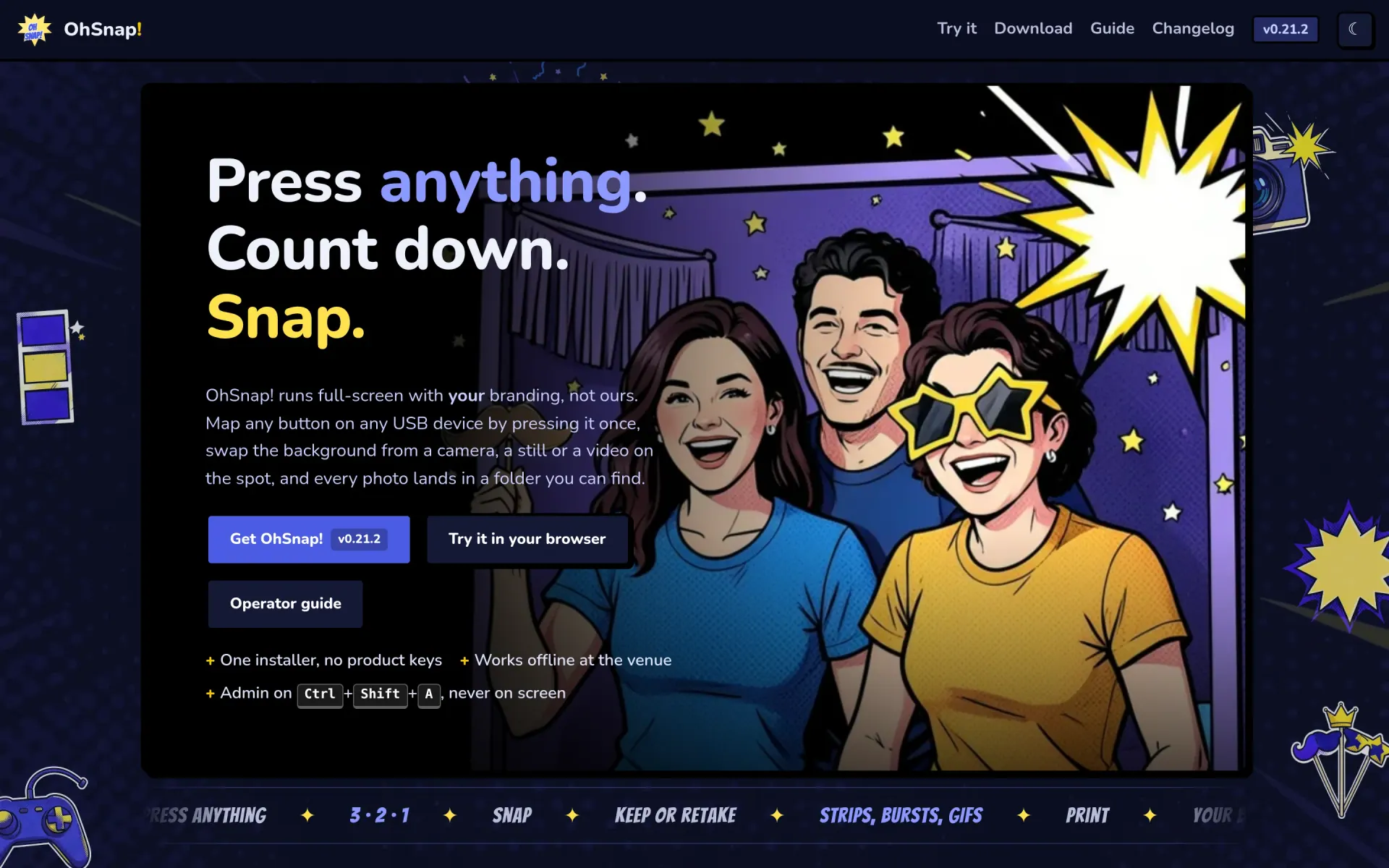


OhSnap! is a photo booth for events, built for a Windows 11 machine that has to survive a night of strangers pressing things. It boots full-screen into an idle loop with the operator's own logo and prompt, waits for whatever has been mapped as the shutter, counts down with a tick and a flash, composites the shot at full camera resolution and offers keep, retake or print before returning to idle for the next guest.
Press anything
The input layer is the part most booths get wrong. OhSnap! takes keyboards, gamepads, MIDI pads, serial devices and HID burst typers — the button boxes that "type" a word and press Enter — and binds any of them the same way: open the inputs panel, press Bind next press, then press the thing. Every action can carry any number of bindings, a binding can be told to require a half-second hold so a knock can't fire the camera, and a keyboard binding can go global so the shutter works even when the window isn't focused. A running list of every press the app hears — bound or not — makes "the button does nothing" a thirty-second diagnosis at a venue rather than a phone call.
Their brand, not ours
Idle screen, subject box, frame, watermark and text are all set as percentages of the screen, which is what makes the preview honest: the saved photo uses the same numbers as the wall. Backgrounds accept a live camera, a still, a looping video or a flat colour, swapped mid-event as soon as nobody is mid-snap, with blur and dim to push a live feed back behind the guest. A whole look can be exported as a preset and loaded on the next machine.
Strips, and the paper they land on
Single photo, burst, animated GIF, or the classic strip — three or four poses over a footer, printed two-up on a 4 x 6 — plus a custom grid of any size on any sheet. Printing is where booths fail at the venue, so the output panel says what Windows says about the printer right now (offline, out of paper, door open), a Printing problems window starts from what is wrong on the paper and puts the fixing setting beside it, and one press applies a profile for the dye-sub the venue owns — including the one that cuts the sheet itself when the driver's paper size is right, which the profile names exactly. A green screen keys against a cloth lit by one lamp on one side, and the print matches the wall because both are cut by the same rule.
A night's worth of guests
Events are named jobs with their own folder, preset and counts; switching is one press and the export is one zip. A guest can take their photo home by QR from a tiny server on the hotspot, off until the operator turns it on. Every word on the guest screen is editable, so a venue in Spain types Spanish. A sixteen-check self-test — folder, room on the drive, printers, cameras, clock, the update path — copies as plain text for an email, and the booth can update itself in a quiet window of hours from the project site, checksummed twice. A test now runs five hundred whole guest trips in a row and counts what the booth keeps between them, because a full disk, a pulled USB stick and a hung driver are all things a Saturday night does.
Nothing on screen the guest can break
There is no menu on the stage. Every admin panel — cameras, backgrounds, inputs, look, branding, output, events, gallery, diagnostics, help — is a key chord behind an optional PIN that locks itself after three wrong tries, quitting asks first, and Alt+F4 does nothing in kiosk mode. The operator guide has a picture of every panel and a test fails if it names a label the app no longer shows; the venue card is one printable sheet of chords and recovery steps, because at a venue the fix has to be findable by someone who isn't the person who built it.
Offline at the venue, honest about the installer
The app works with no network — photos land in a folder the operator chose and can find, with no account, no cloud and no product key; sharing to a phone and the self-update are the two things that touch a network, and both are off until switched on. The installer is deliberately unsigned, so rather than pretend otherwise the site documents the entire "unknown publisher" path: the browser's download warning in Edge, Chrome and Firefox, the SmartScreen box, what Defender may do, and the SHA-256 to check the file against. A code-signing certificate is a real cost; explaining four screenshots is not.
The release path
A single command bumps the version, tags it, builds the Windows installer in CI, publishes it and redeploys the site — which is a Go binary with its templates and assets embedded, behind nginx and systemd, serving the download behind a password with the version, date, size and hash rendered from the release itself. The changelog on the site is the changelog in the repository.
Straight from the source
The project's own README.
Rendered in place — every link, image, and code block carried over from the repo. The page below is what a contributor would see opening the project for the first time.
OhSnap!
A Windows 11 photo-booth kiosk for Peak Technologies, and the website that serves its installer: https://ohsnap.gamingworld.uk.
app/— the Electron kiosk (main / preload / renderer, vanilla ES modules).site/— the website: one Go binary, stdlib only, templates and assets embedded.scripts/— the release pipeline (just ship).deploy/— the canonical systemd unit and nginx vhost for this box.docs/—PLAN.md(the design),CHECKLIST.md(the tick-list),handoff.md(start here).
just              # list every task
just dev          # website on :8083, templates reload
just check        # gofmt, vet, test, node --check
just deploy       # build + install + restart the live site
just push "msg"   # commit, push, deploy, verify — one command
just ship         # release the app: bump, tag, CI build, publish, deploy
Mail for the project: [email protected].
The code is proprietary to Peak Technologies; all rights reserved (package.json: UNLICENSED).
Gallery
The full set.


Build something like this
Want a tool like this for your shop?
We've shipped this kind of thing before. Twenty-minute intro call, no slides.